Top Right Corner: Next to the login button, there is a "Get Started" button. Clicking this takes them to the registration form.
Center of the Page (Hero Section): Right in the middle of the main introductory text, there is a prominent "Start Free Trial" button that also leads to the registration page.
Bottom of the Page: Just above the footer, in the "Ready to Improve Productivity?" section, there is another "Start Free Trial" button for them to sign up.
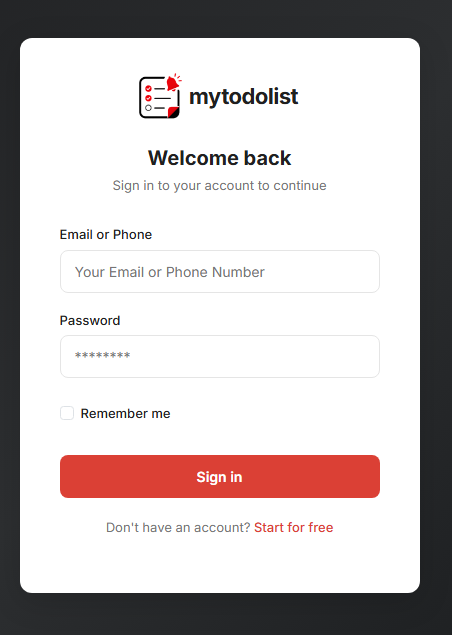
Once they click any of the "Get Started" or "Start Free Trial" buttons, they will be asked to fill in their details (like name, email, and password) to create their new account.
How to Register (Create an Account): - Cover Image